Master Ai-Inspect
Step-by-step video tutorials — from your first alignment to advanced GD&T and DMIS automation.
The curriculum
New lessons are released one at a time, in order. Each one is short and covers a single job.
 0:39
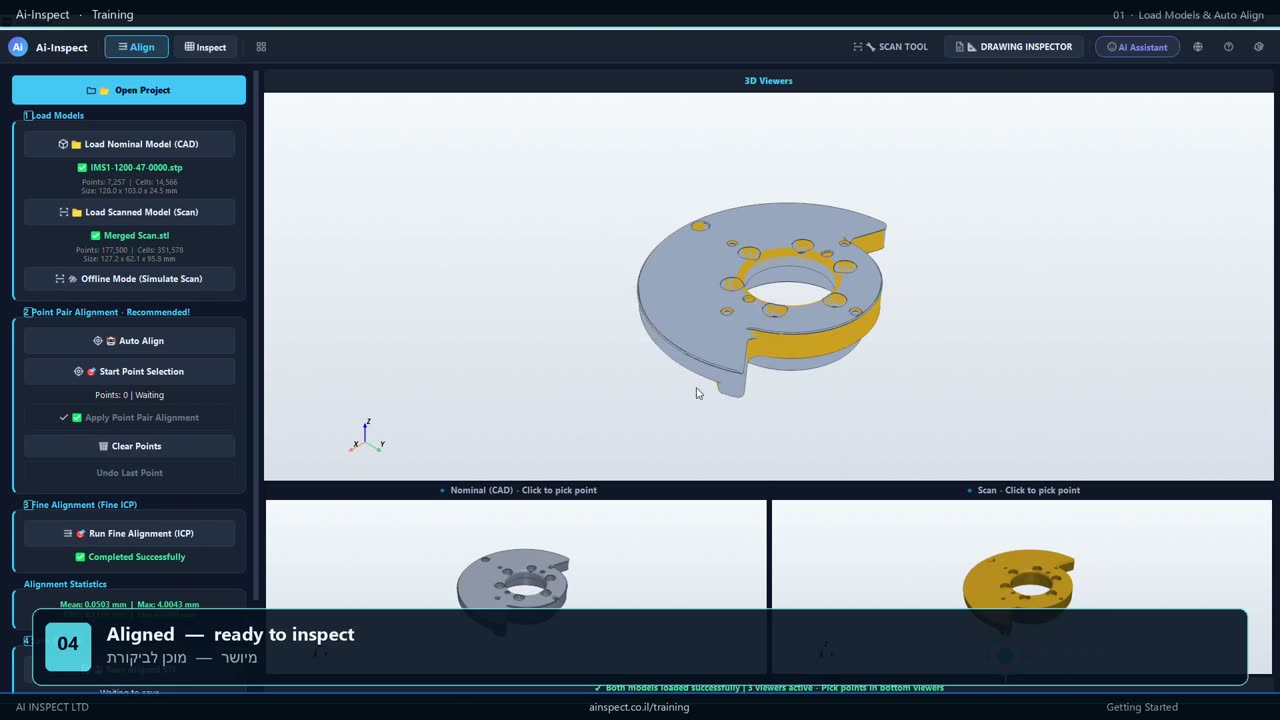
0:39Load models and Auto Align
Load the nominal CAD and the scanned part, then let Auto Align seat the scan on the model: a coarse pose search followed by fine ICP. Four clicks, start to aligned.
Watch lesson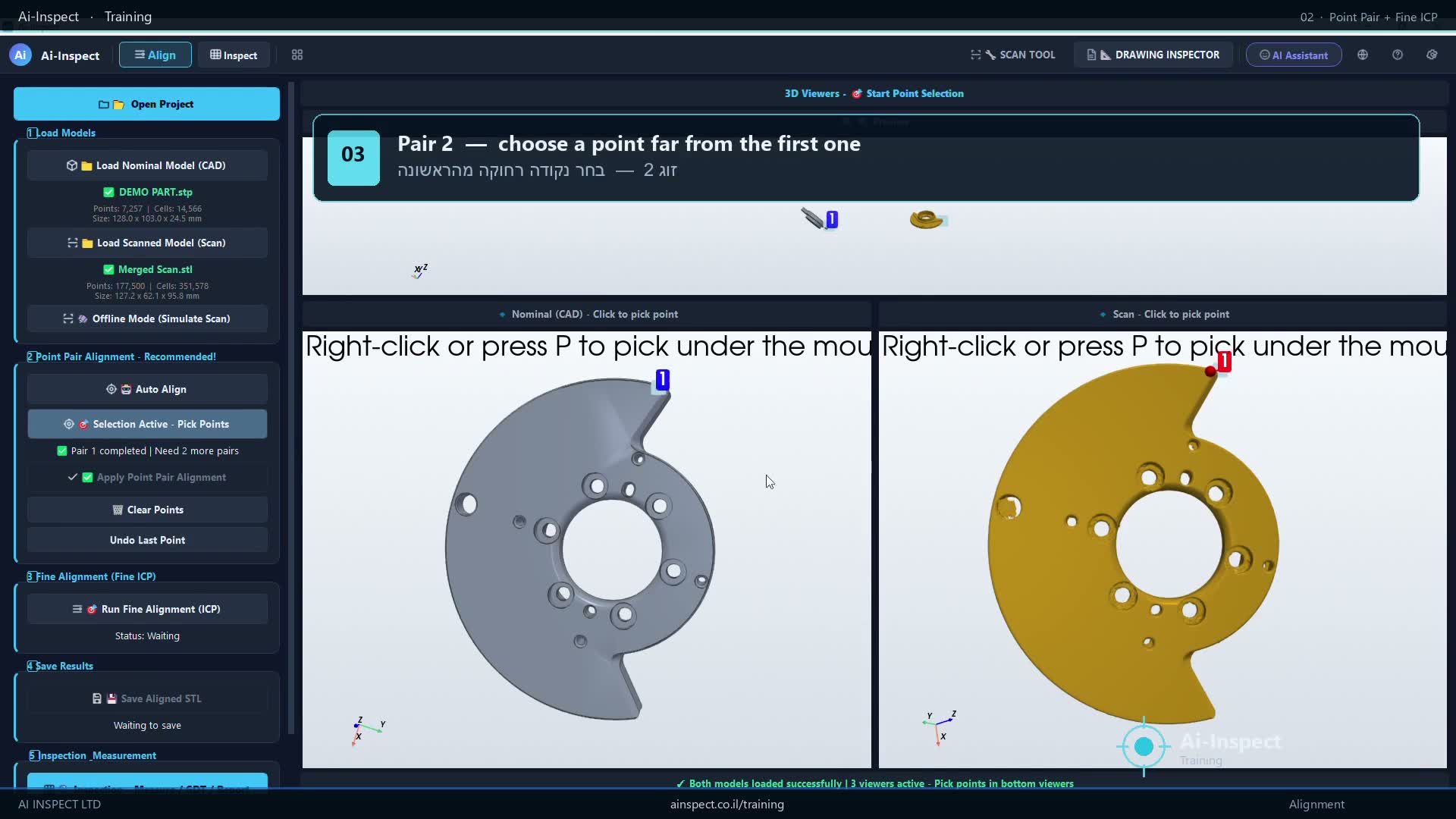 1:06
1:06Manual Point Pair alignment
When Auto Align cannot find the pose, place the scan by hand: pick three matching features on the CAD and on the scan, apply the point-pair alignment, then refine it with fine ICP and save the aligned scan.
Watch lesson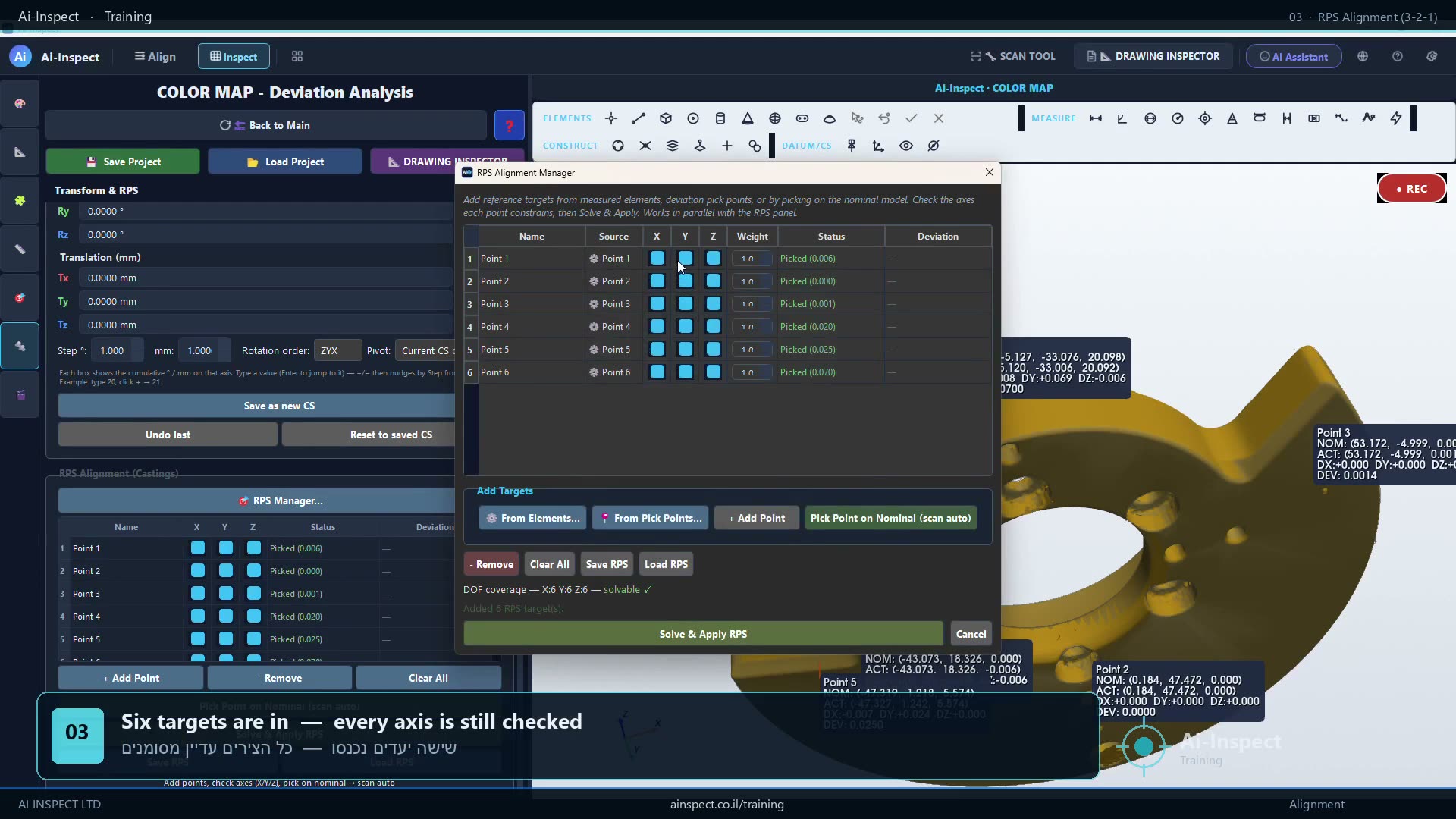 1:08
1:08RPS alignment
Constrain the part the way the fixture does. Add RPS targets straight from measured elements, then release axes one at a time until the 3-2-1 scheme is exactly what the drawing asks for — and watch the degrees of freedom close as you go.
Watch lesson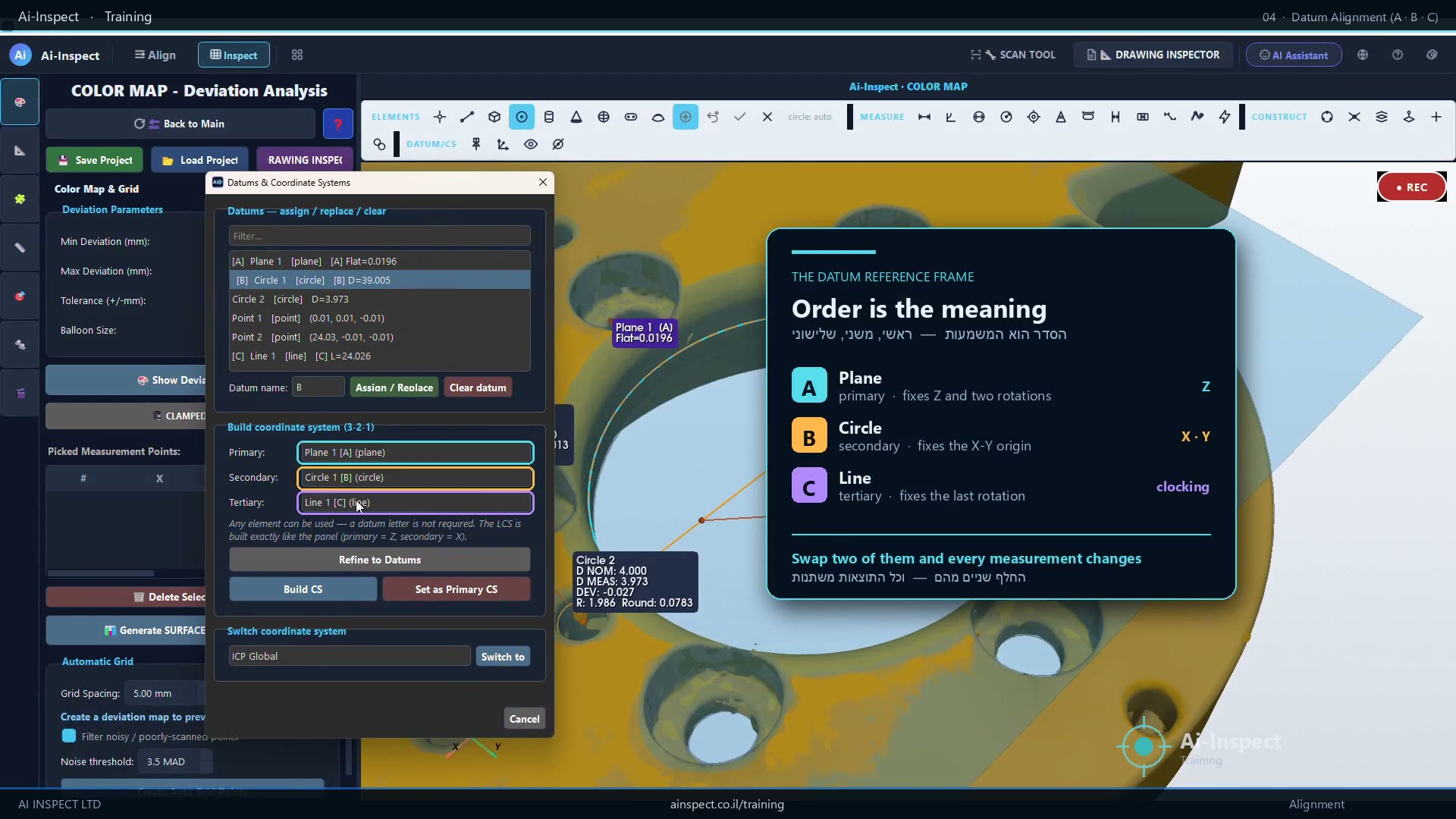 1:32
1:32Datum alignment (A · B · C)
Build the datum reference frame the drawing specifies. Measure the plane and the bores, assign A, B and C as you go, project the centres onto the datum plane to construct the tertiary line, then build the coordinate system and make it primary.
Watch lessonComing next
Recording is underway. Each lesson appears above the moment it is released.
- 05
Color map and deviation points
In productionRead the deviation map, place measured points and balloons, and set the tolerance band that decides pass or fail.
- 06
Measuring elements and GD&T
In productionBuild circles, planes and cylinders from the scan, then evaluate position, flatness, runout and profile against datums.
- 07
Professional inspection reports
In productionBalloon the results, arrange the report in the designer and export a PDF, CSV or a CMM-ready file.
- 08
Automatic inspection from a drawing
In productionLoad the PDF drawing, let Ai-Inspect read the callouts and measure every dimension it can certify on its own.
Unlock the full curriculum
Get every Pro lesson, deep dives and workflow walkthroughs with your Ai-Inspect license.